PDF Guides, Tips & Tutorials for Everyday Tasks
Welcome to the ToolsApex PDF Blog, where you can explore practical guides, tutorials, tips, and troubleshooting articles for working with PDF files more efficiently. This section is built for everyday users, students, professionals, and teams who want simple, reliable help with common PDF tasks, without confusion, unnecessary technical jargon, or wasted time. Read ToolsApex PDF blog posts on any device, in your language. We support the top 25 languages, so you can learn, follow step-by-step instructions, and use our tools more comfortably from mobile, tablet, or desktop.
Latest Guides & Articles
Explore our newest tips and tutorials to master your online tools.
What you get in this PDF section
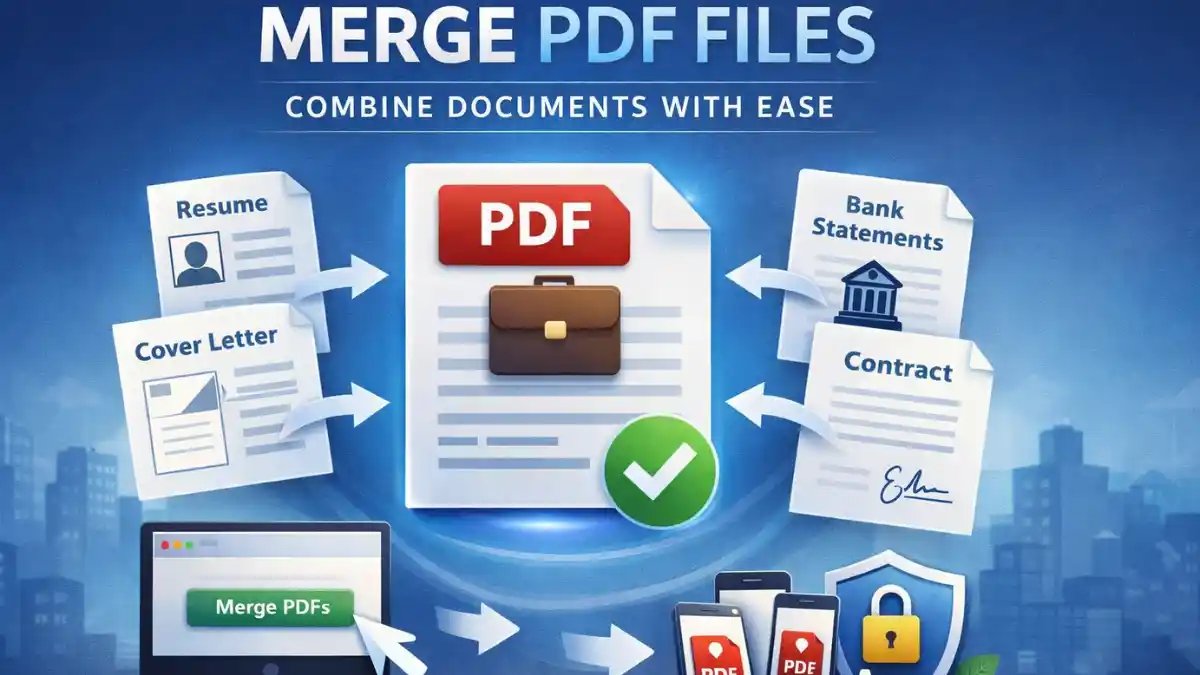
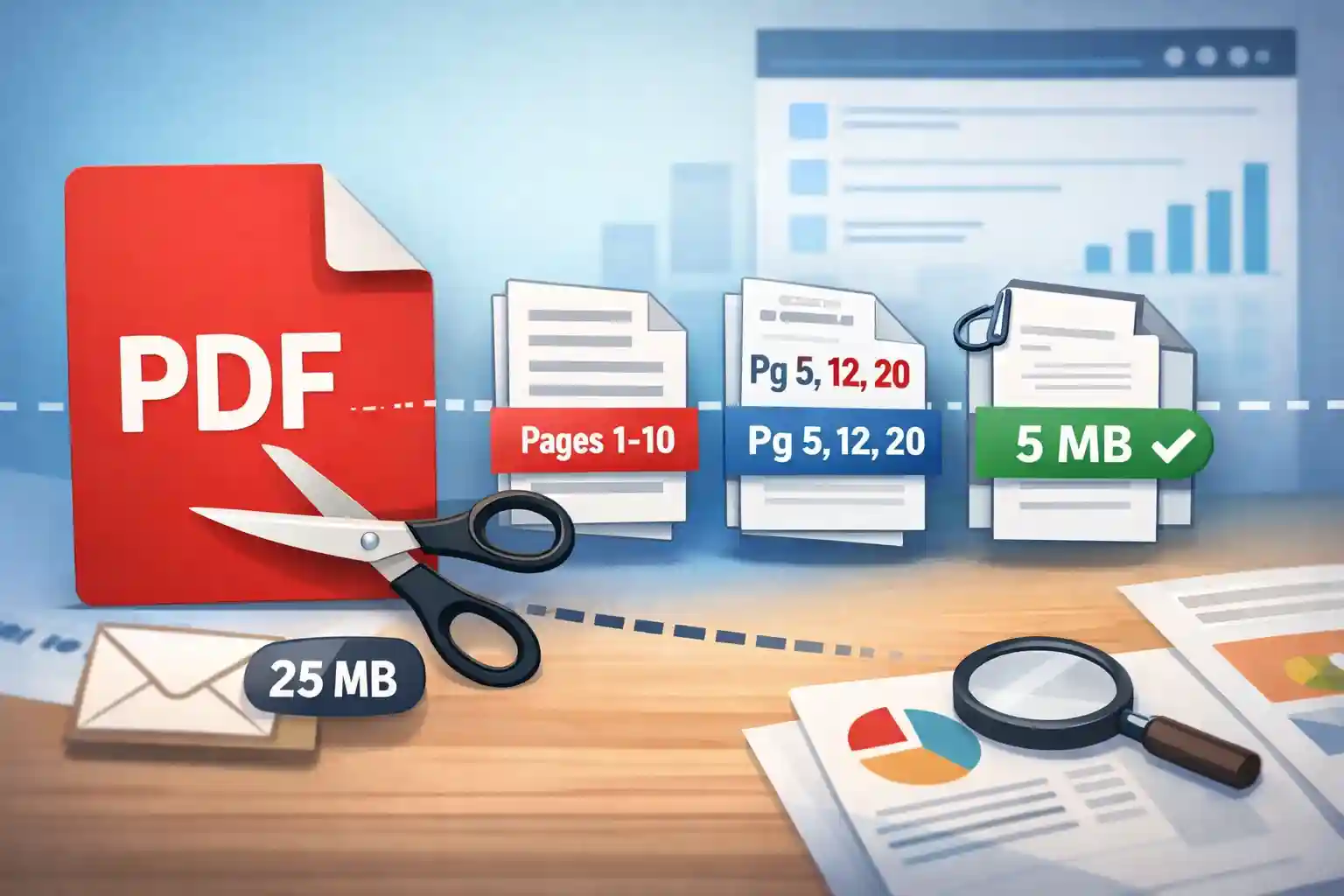
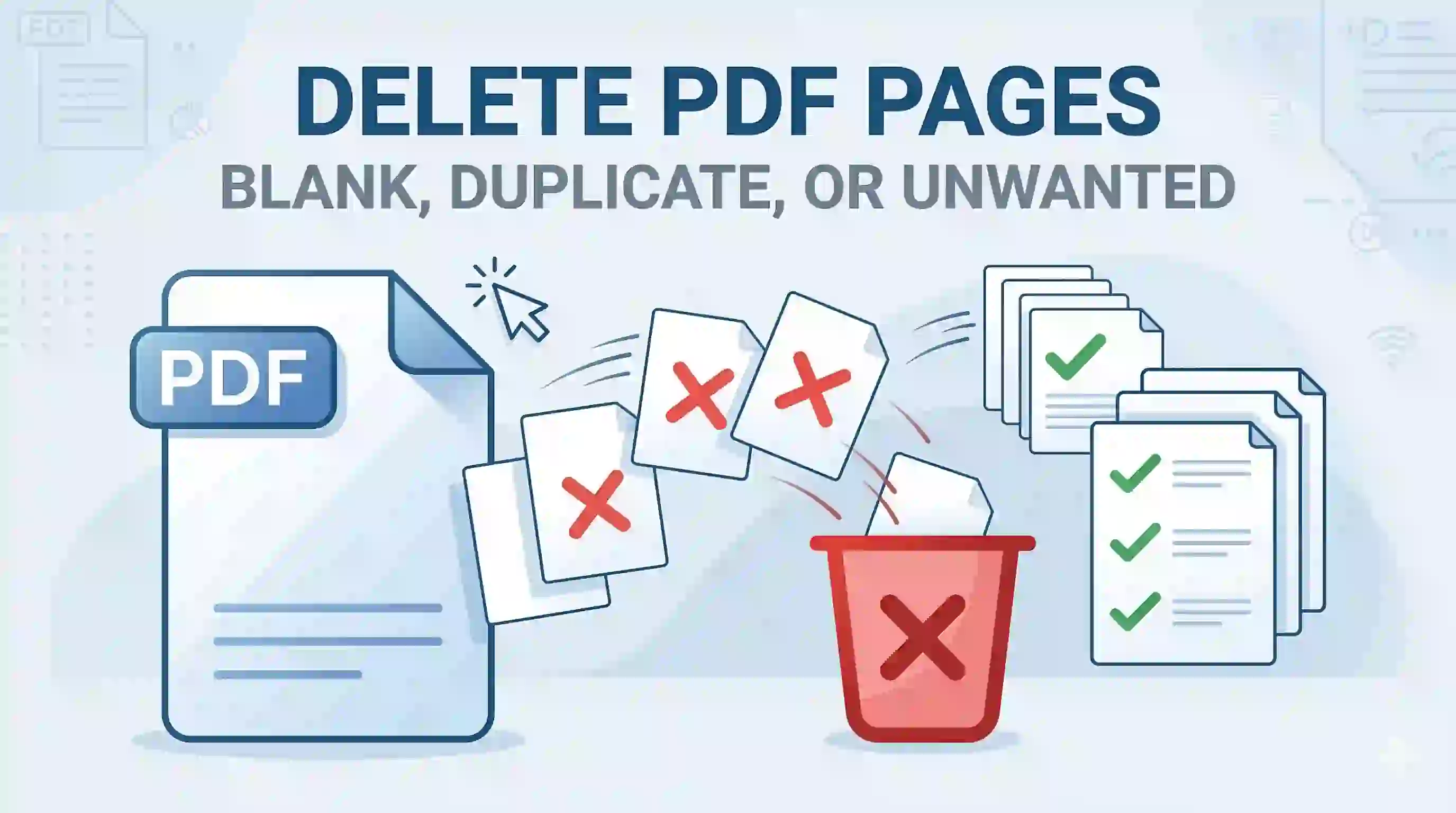
In this PDF blog section, you’ll find informative, educational, value-added articles focused on important PDF topics. That includes how-to tutorials, troubleshooting guides, comparisons, best practices, privacy-first workflows, and clear explanations of common PDF actions such as merging, splitting, deleting pages, compressing, organizing, and managing documents online.
What you can do here
Here, you can learn the fastest way to complete common PDF tasks, understand which PDF tool is right for your exact need, solve real problems like large file size or page order issues, and discover practical ways to work with PDFs securely online. Whether you want a quick answer or a deeper explanation, this section is designed to help you move from confusion to clarity.
Privacy & security
Privacy matters at ToolsApex. All file operations are processed 100% client-side in your browser, which means your files are not uploaded, stored, or sent to any server or external storage. You also do not need to create an account, sign up, or pay to use our tools. ToolsApex is designed to be simple, private, and free to use forever.
FAQs
Created by
Amit Kulkarni
Founder & Creator, ToolsApex
Software engineer building fast, privacy-first PDF and image tools for everyday use. Focused on creating reliable, browser-based utilities that help users edit, convert, and manage files securely without uploads or installations.